Introducing single sign-on: sign in with Okta, Microsoft Entra ID, and more
Enterprise teams can now sign in to Versive through Okta, Microsoft Entra ID, Google Workspace, or any SAML 2.0 identity provider, with access managed by IT.
When research takes off inside a company, more people want in: product managers, designers, marketers, and executives who want to read the transcripts themselves. For IT and security teams, each of those people is another password to manage and another account to remember when someone leaves.
Enterprise organizations can now sign in to Versive with single sign-on (SSO) through their own identity provider: Okta, Microsoft Entra ID, Google Workspace, or any other SAML 2.0 provider.
How it works
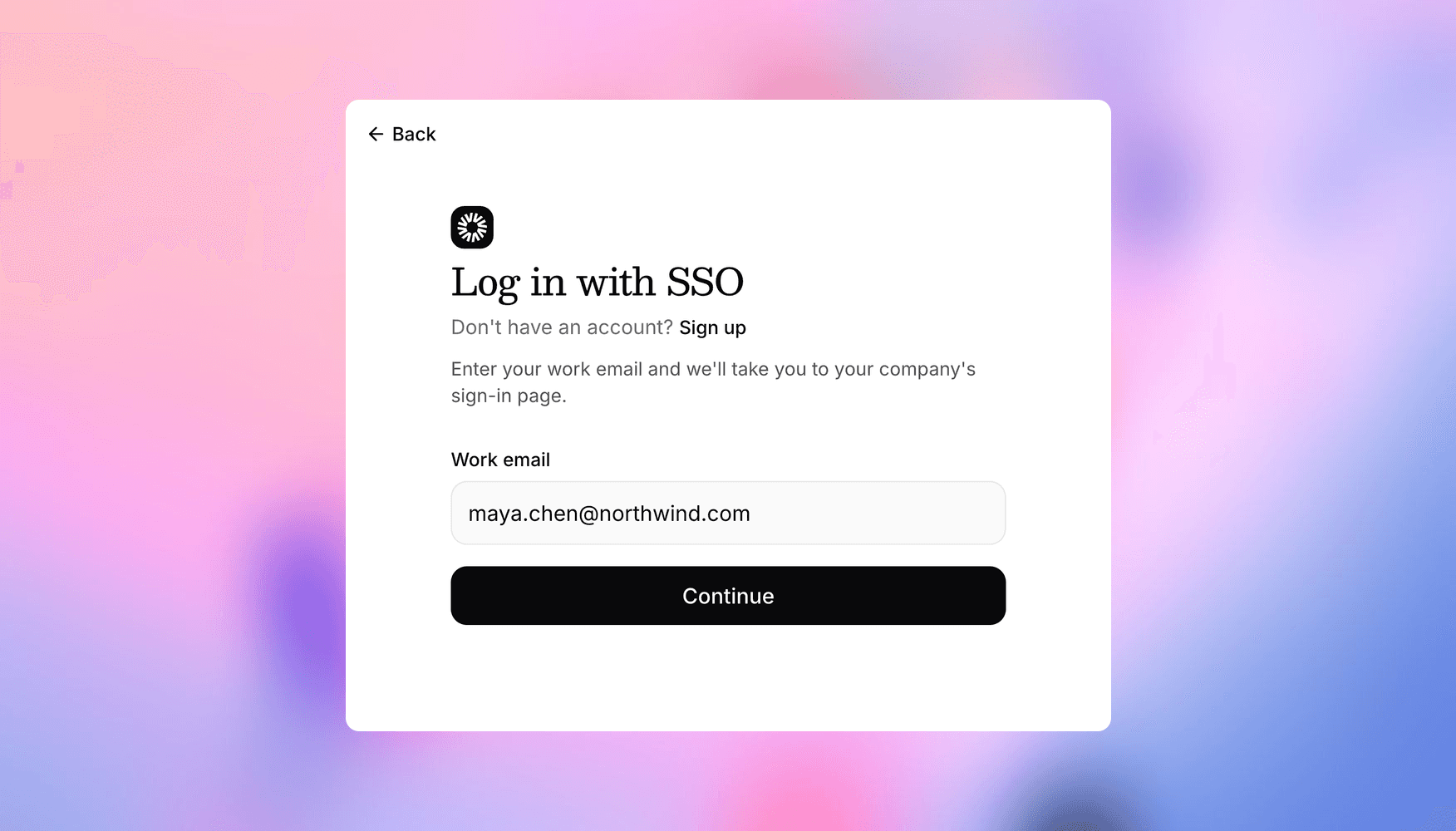
Your team signs in with their work email. They can enter it on the Versive login page as usual, or choose Continue with SSO. If their email domain is set up for SSO, Versive sends them to your identity provider and back, signed in. There's no separate Versive password to create, reuse, or reset.
Access follows your identity provider:
- IT decides who gets in. Anyone your IT team assigns to Versive can sign in. The first time they do, they join your organization automatically with your default role.
- No invitations needed. People at your company's domain join by signing in, and an owner or admin can change their role on the Team page afterward. You can still invite contractors and other people outside your domain as usual.
- Existing members keep their role. Teammates who already use Versive with a password or Google keep their role when they switch to SSO.
- Offboarding is clean. When someone leaves, remove them in your identity provider so they can't sign in again, and from your organization in Versive to end their access right away.
Getting started
SSO is available on the Enterprise plan. Your IT team creates a SAML app for Versive in your identity provider and shares its metadata URL, and we connect it to your company's email domain. To set it up, reach out to [email protected], and see the docs for how sign-in, roles, and offboarding work.
Get in touch
We're continuing to build features that help you learn faster. If you have any questions or feature requests, reach out to us at [email protected]. Want to give it a try? Create a free account, no credit card required.

Eric Li, Co-Founder, Versive