Figma prototype tests
Import frames straight from Figma, set goal nodes, and watch participants navigate while thinking aloud.

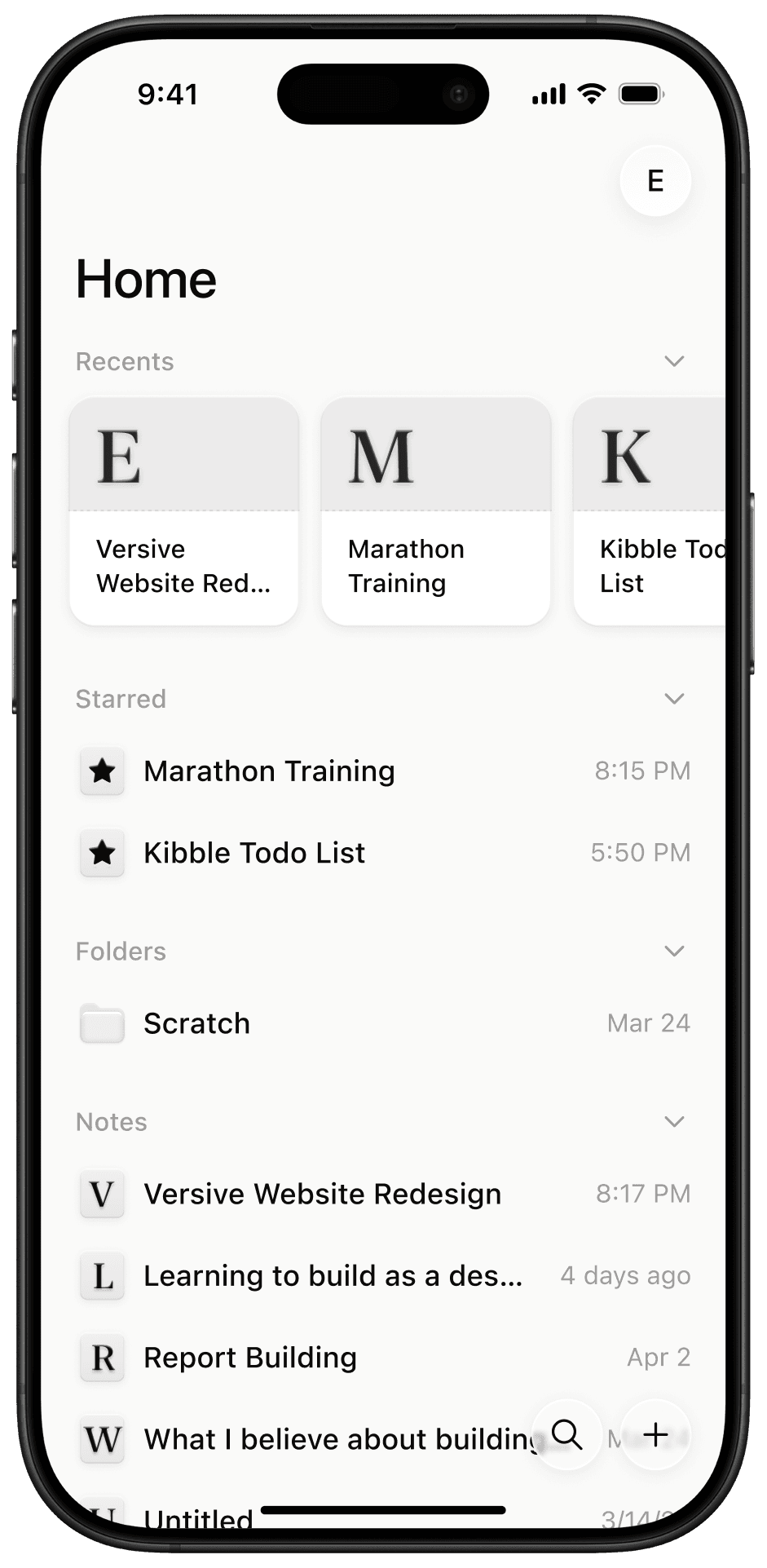
Import frames straight from Figma, set goal nodes, and watch participants navigate while thinking aloud.
Send users to a live URL with full screen recording so you see every click, pause, and where they get stuck.
Upload static designs, video walkthroughs, or slide decks and gather structured reactions to each frame.
Test information architecture by having participants organize items into categories, open or closed.
Validate navigation hierarchies and information architecture to see what paths users take and where they get stuck.
Get the why behind reactions with AI-moderated probing that digs deeper into user actions and responses.
Attach images, videos, PDFs, Figma prototypes, or a live website to a question, or give participants a task to complete in a prototype or on a site.
Use a randomizer to send each participant to one concept, with weights that control the split, or show every concept in a randomized order.
Pair ratings and multiple choice with AI questions, so the AI interviewer follows up on each reaction in the participant's own words.
In a split test, filter results and insights by arm to compare concepts side by side. Charts summarize the structured answers, themes explain them, and CSV exports can label each column with its concept.
Showing people an idea before you build or launch it, such as a product concept, a design, an ad, or a message, and measuring how they react and why. It helps you choose between options and fix weak spots while changes are still cheap.
Images, videos, PDFs, Figma prototypes, and live websites, including published prototypes from Figma Make, v0, Lovable, Bolt, Replit, and Framer. Participants can react to a concept shown beside a question or complete a task in it.
Add a randomizer to send each participant to one concept at random, which keeps their reactions independent, or show every concept to each participant in a randomized order. In a split test, results and insights can be filtered by arm.
Yes. Paste the prototype link into a Prototype Task and set a goal frame. Versive tracks screens and clicks, detects when the task is complete, and can record the session while the participant thinks aloud. The Figma file needs link sharing turned on.
Yes. Card sorts can be open or closed, and tree tests check whether participants can find the right place in your navigation. Both can sit in the same study as rating and interview questions.
Yes. AI tests run personas through Figma prototypes, images, and live websites and return feedback in minutes. Use them to narrow your options, then test the strongest concepts with real participants.
Concept testing methods, compared
Concept testing methods compared: monadic vs. sequential monadic vs. comparative, qualitative vs. quantitative, and how to run each.
AI-moderated usability testing with real participants
Run Figma and website tasks with real participants in Versive, capture think-aloud feedback and screen recordings, and use AI follow-up questions.
Card sorting: a practical guide
A practical guide to card sorting for UX research: open vs. closed sorts, card and participant counts, and how to analyze the results.
Tree testing: a practical guide
What tree testing measures, how to design tasks and a tree, which metrics to read, and how to run a tree test in Versive.